Get in touch 🟢 WhatsApp 💬 Messenger 📞 593 53 35 61
✉ info@maga.ge
📞 Call 💬 Messenger 🟢 WhatsApp

USB WiFi Adapters
WiFi receivers for PC & laptop

USB WiFi adapters for desktop computers and laptops — with Dual Band, WiFi 5 and WiFi 6 support.

WiFi Adapters (4)
All WiFi 6 Dual Band With antenna USB 3.0
WiFi adapter 600Mbps Dual Band with antenna for computers
⭐ Featured Dual Band Windows
WiFi adapter with antenna 600Mbps Dual-Band
Stable internet · Strong antenna · Plug & Play
COMFAST CF-941AX WiFi 6 USB adapter for computers
⭐ Featured WiFi 6 Windows 10/11
COMFAST WiFi 6 USB adapter 600Mbps (CF-941AX)
WiFi 6 · Faster connection · Low latency
USB WiFi adapter 1300Mbps Dual Band for computers
Dual Band USB 3.0
WiFi adapter 1300 Mbps USB 3.0 (CF-812AC)
High-speed WiFi · USB 3.0 · Dual Band
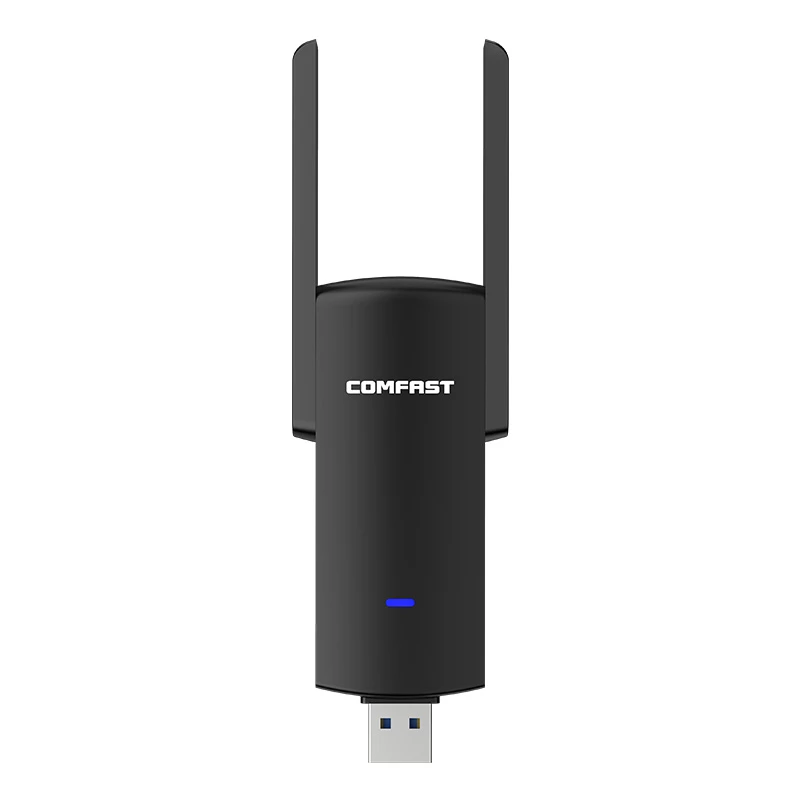
WiFi adapter with external antenna 1300Mbps USB 3.0
Dual Band USB 3.0
WiFi adapter with external antenna 1300 Mbps (CF-924AC)
Maximum coverage · Strong signal · USB 3.0
📶
Need help choosing a WiFi adapter? Message us on WhatsApp and we will help you pick the right WiFi adapter.
🟢 WhatsApp advice
Frequently asked questions
What is a WiFi adapter and what do I need it for?
A WiFi adapter (WiFi receiver) is a device that lets a computer or laptop connect to the internet wirelessly. You need one if your PC has no built-in WiFi card.
Does a WiFi adapter need a driver?
Most models work in Plug & Play mode (Windows 10/11) — plug it in and it works right away. Some models come with a disc or CD for maximum compatibility (Linux, Mac, etc.).
What is the difference between WiFi 5 and WiFi 6?
WiFi 6 (802.11ax) is faster, gives a better signal when many devices are connected, and uses less power. However, the benefit of WiFi 6 is only visible with a WiFi 6 router.
What is the difference between 2.4GHz and 5GHz?
2.4GHz — wide coverage range, good at passing through walls. 5GHz — faster, less interference, but shorter range. Dual Band adapters support both. 2.4GHz has a longer coverage range, while 5GHz provides much higher speeds and fewer interruptions for gaming and streaming.
Which WiFi adapter should I choose?
A 300–600 Mbps model is enough for everyday use. For high speeds or gaming, a 1300 Mbps Dual Band adapter is the better choice.
How can I boost the WiFi signal on my computer?
Choose a WiFi adapter with an external antenna and use a USB 3.0 port — this noticeably improves signal and speed.