Get in touch 🟢 WhatsApp 💬 Messenger 📞 593 53 35 61
✉ info@maga.ge
📞 Call 💬 Messenger 🟢 WhatsApp

Memory Cards
SanDisk and KODAK microSD in Georgia

SanDisk Ultra and Extreme PRO microSD cards for smartphones, 4K action cameras and dash cams

Memory cards (6)
KODAK All Ultra Extreme PRO
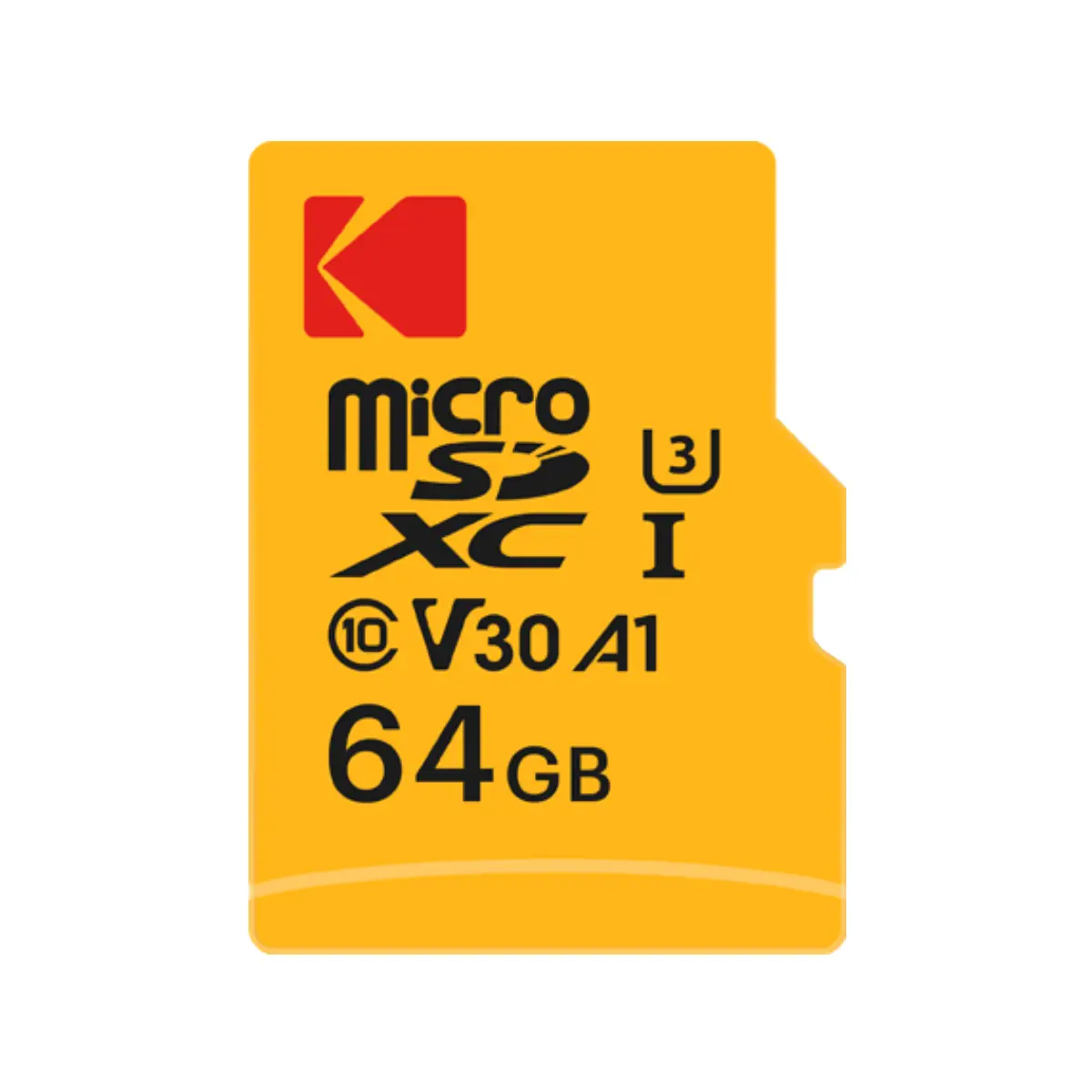
KODAK microSD 64GB UHS-I U3 V30
KODAK V30
KODAK microSD 64GB — UHS-I, U3, V30
4K video · Android · SD adapter included
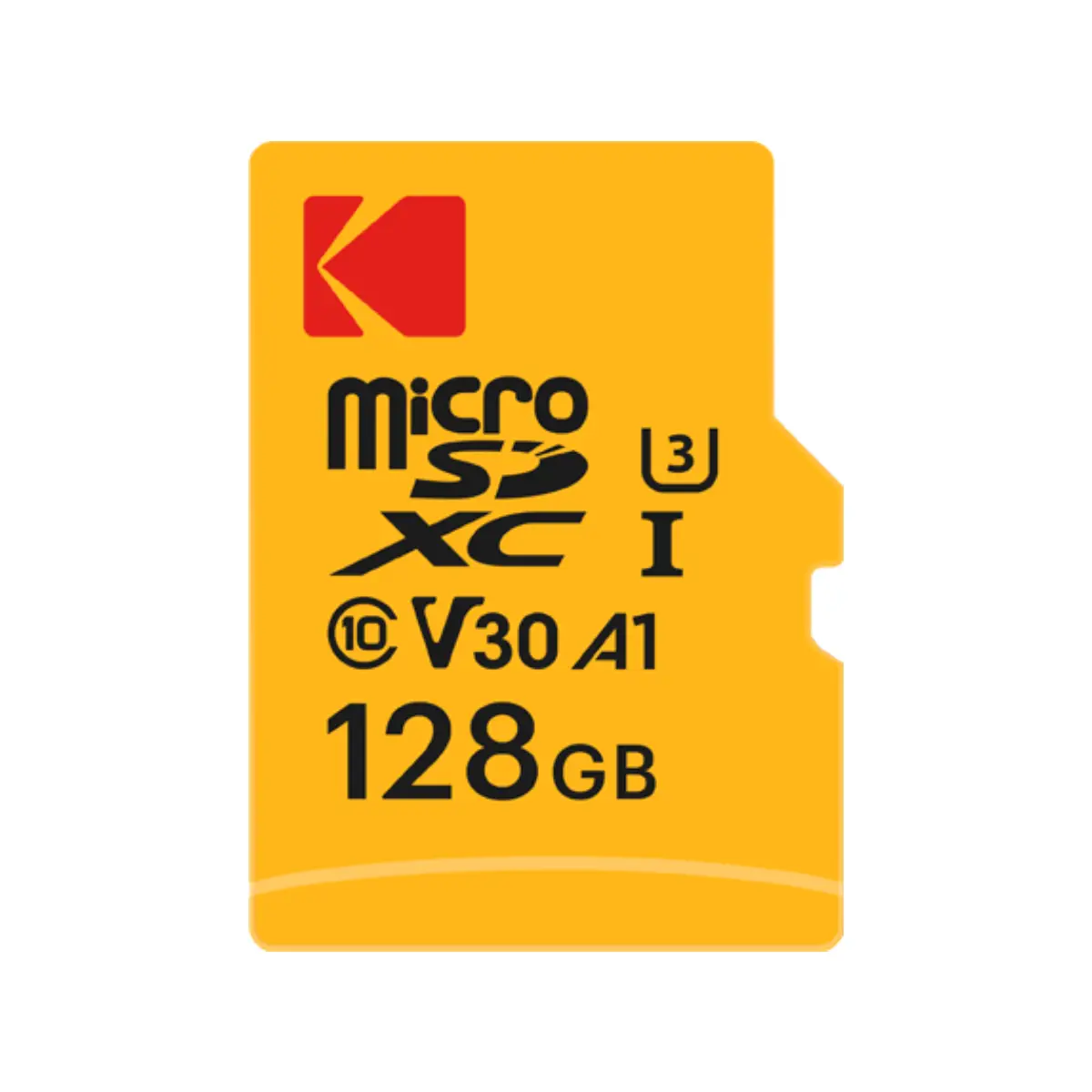
KODAK microSD 128GB UHS-I U3 V30
KODAK V30
KODAK microSD 128GB — UHS-I, U3, V30
4K video · Android · SD adapter included
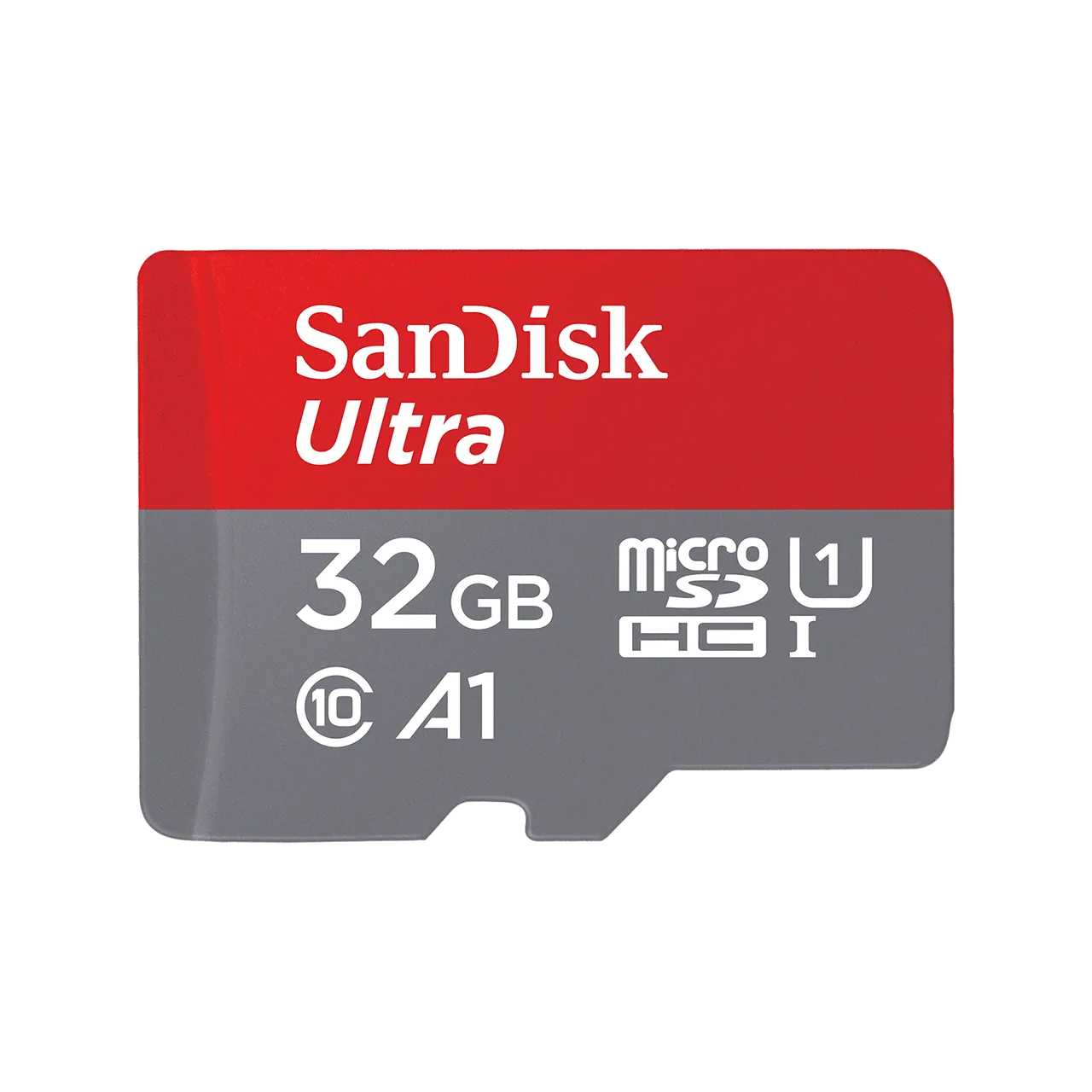
SanDisk Ultra microSD 32GB UHS-I A1 Class 10
SanDisk Ultra 125MB/s
SanDisk Ultra microSD 32GB — UHS-I, A1
Android · Camera · Dash Cam · Plug & Play
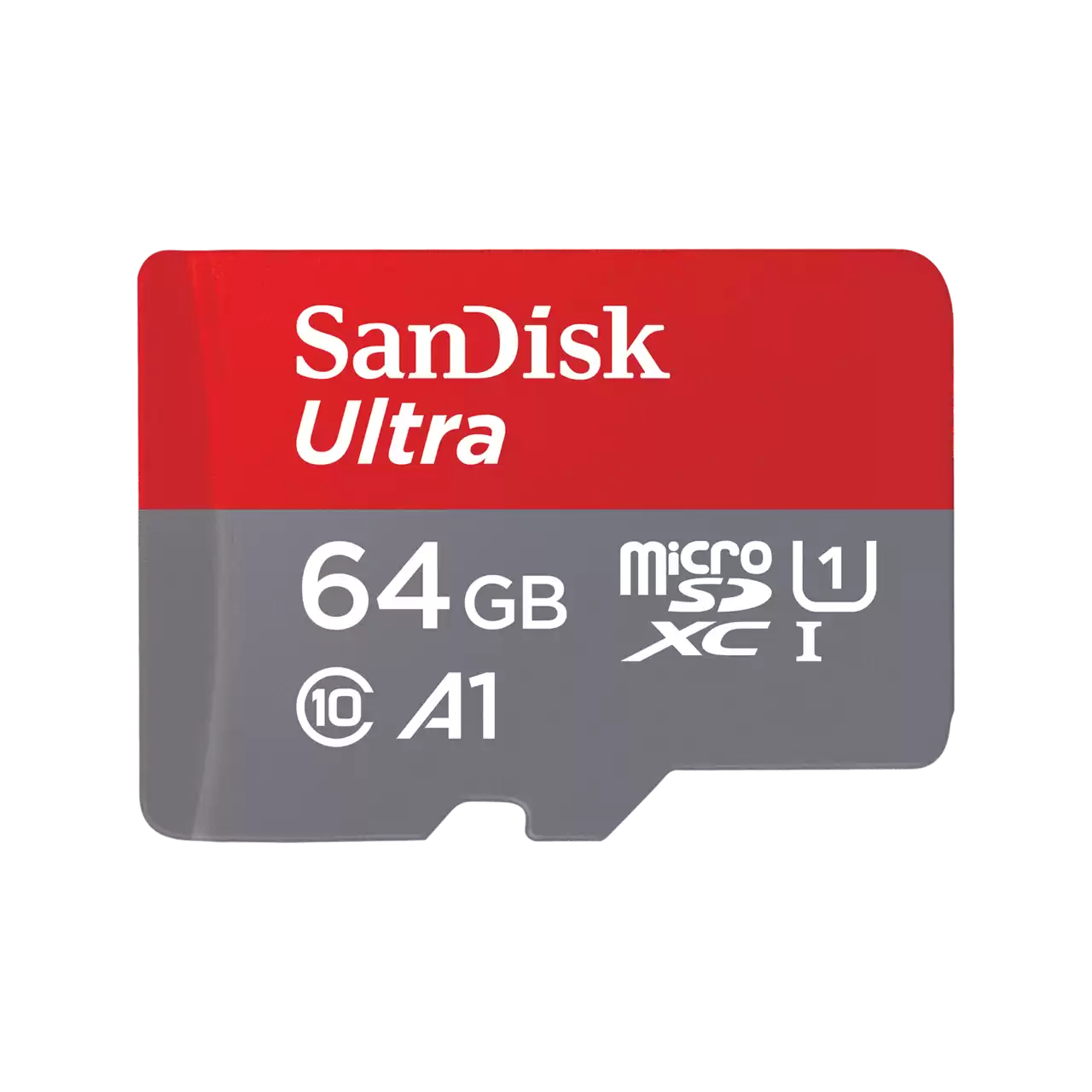
SanDisk Ultra microSD 64GB UHS-I A1 145MB/s
SanDisk Ultra 145MB/s
SanDisk Ultra microSD 64GB — UHS-I, A1
Android · Camera · Laptop
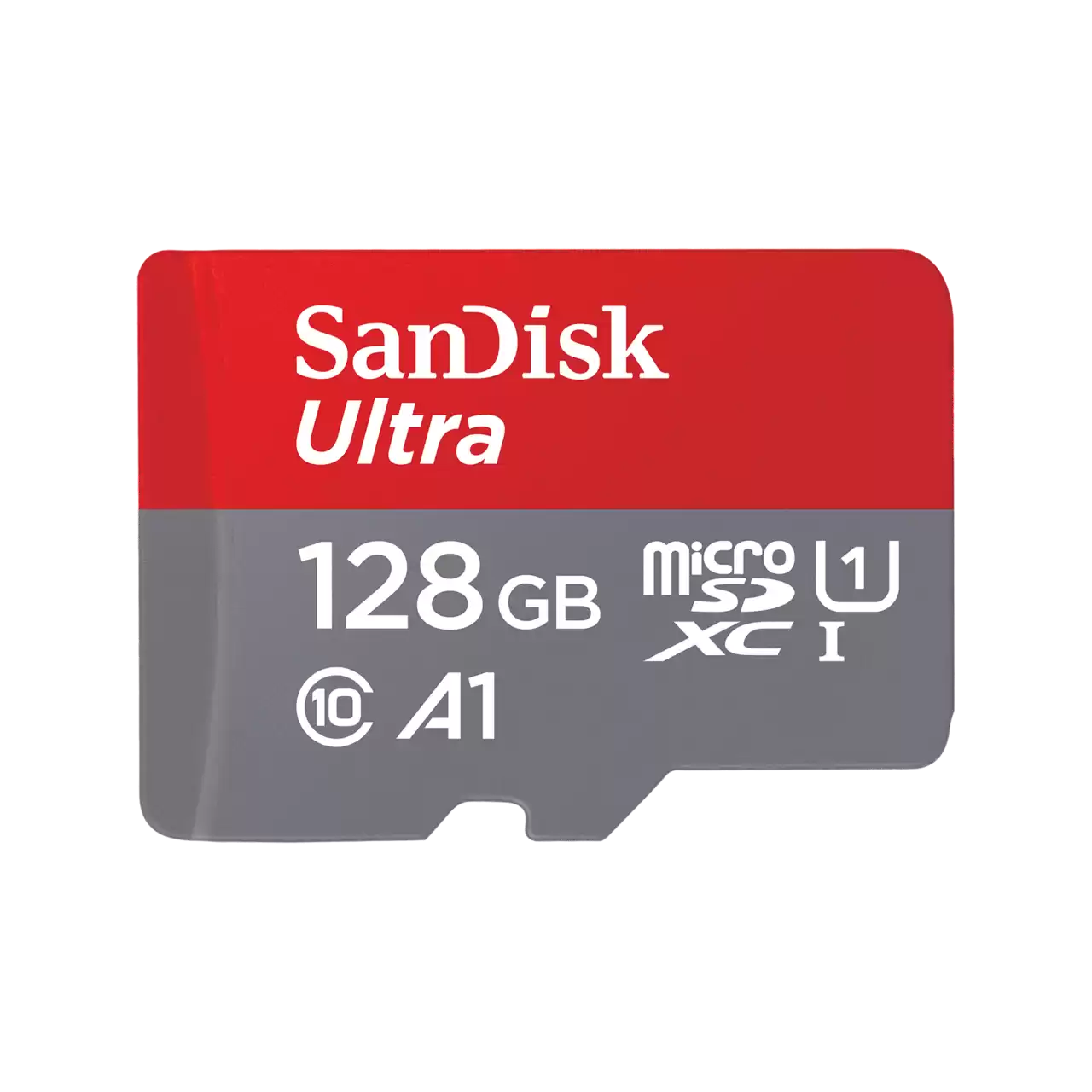
SanDisk Ultra microSD 128GB UHS-I A1 195MB/s
SanDisk Ultra 195MB/s Popular
SanDisk Ultra microSD 128GB — UHS-I, A1
Android · Camera · Laptop
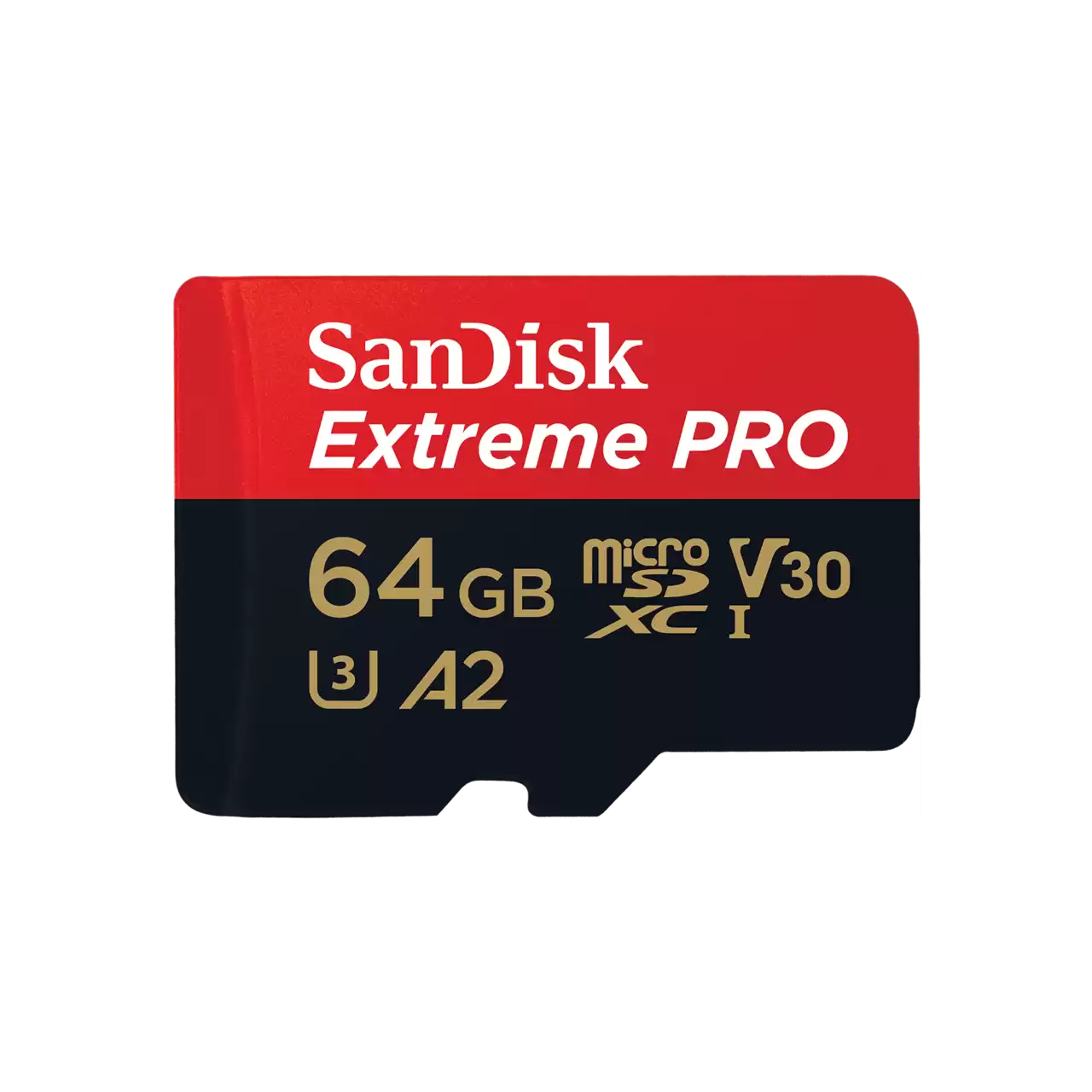
SanDisk Extreme PRO microSD 64GB 200MB/s 4K UHD A2 V30
Extreme PRO 200MB/s 4K UHD
SanDisk Extreme PRO microSD 64GB — A2, V30, 4K
Action Camera · Drone · 4K video
💾
Ultra vs Extreme PRO — which one do you need? Ultra — everyday use, smartphone, Full HD. Extreme PRO — 4K video, action camera, drone.
🟢 WhatsApp advice

Ultra vs Extreme PRO — the difference

📱 SanDisk Ultra
  • ✅ 125-195MB/s read speed
  • ✅ A1 App Performance
  • ✅ Full HD video / 4K on some devices
  • ✅ From ₾49
🎬 SanDisk Extreme PRO
  • ✅ 200MB/s read speed
  • ✅ 90MB/s write speed
  • ✅ 4K UHD video
  • ✅ A2 / V30 / U3

Frequently asked questions

Which microSD card suits a smartphone?
For everyday use, SanDisk Ultra is more than enough. 64GB or 128GB are the most popular sizes for photos and music.
Which card should I choose for a dash cam?
SanDisk Ultra — Class 10 / U1 is enough for a Full HD dash cam. For a 4K dash cam we recommend Extreme PRO (V30, U3).
Which card is right for an action camera (GoPro, DJI)?
SanDisk Extreme PRO — V30, U3, 90MB/s write speed. This is the minimum for smooth 4K UHD video recording.
What is the difference between A1 and A2?
A1 and A2 are standards for launching apps stored on Android. A2 is faster: more IOPS (Input/Output Operations). For everyday use, A1 is enough.
Which size should I choose?
32GB — an older smartphone, fewer photos. 64GB — average use. 128GB — lots of photos/video, dash cam. 256GB+ — 4K video, action camera.
📖
Want to dig deeper? microSD types, Speed Class, UHS, V30, A1/A2 — everything in one complete guide.
📖 Full guide